3. Utility Pages
3.1. Login Page
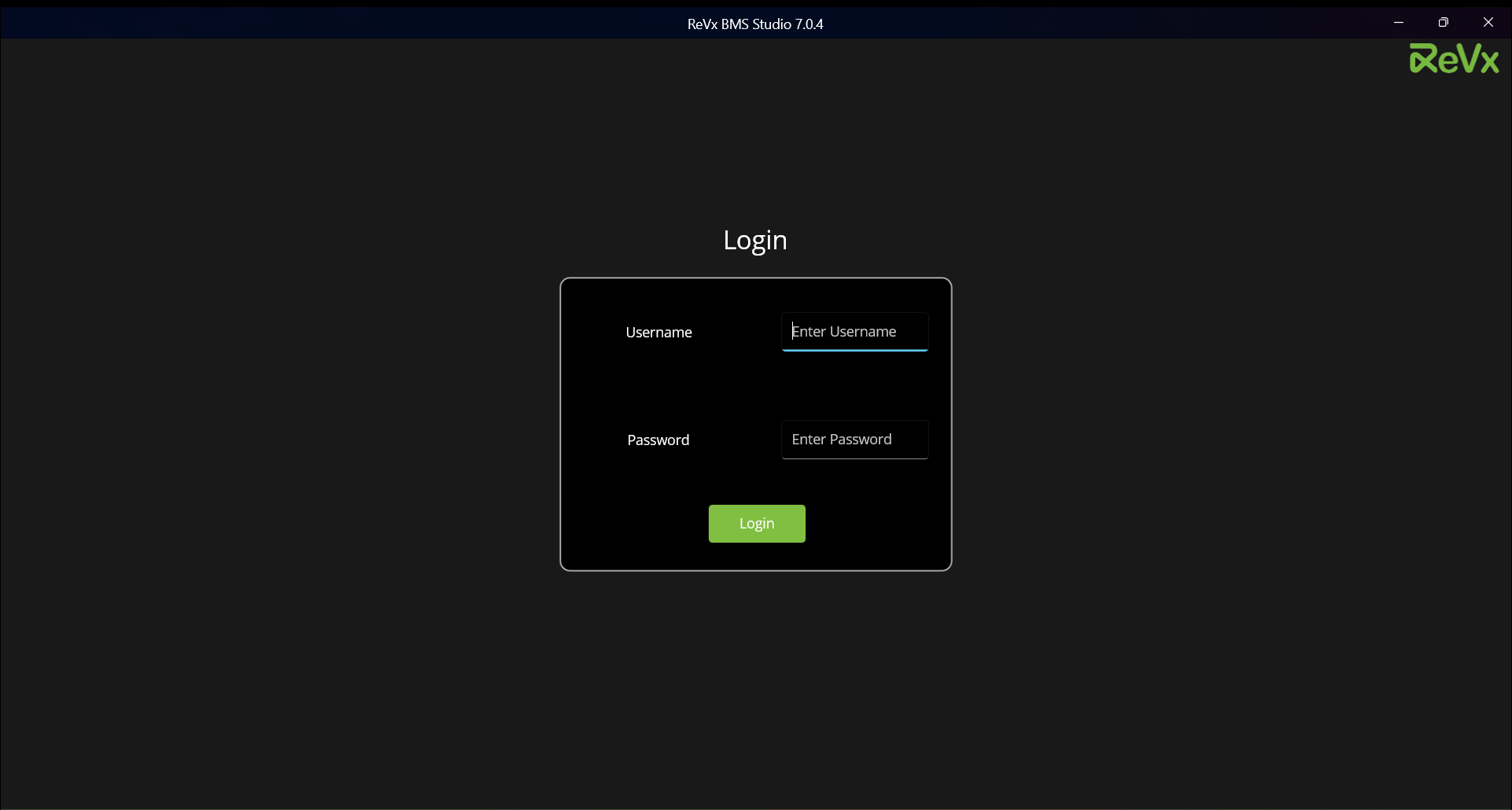
Login with correct credentials to go to Communication Settings page.
3.2. Communication Settings Page
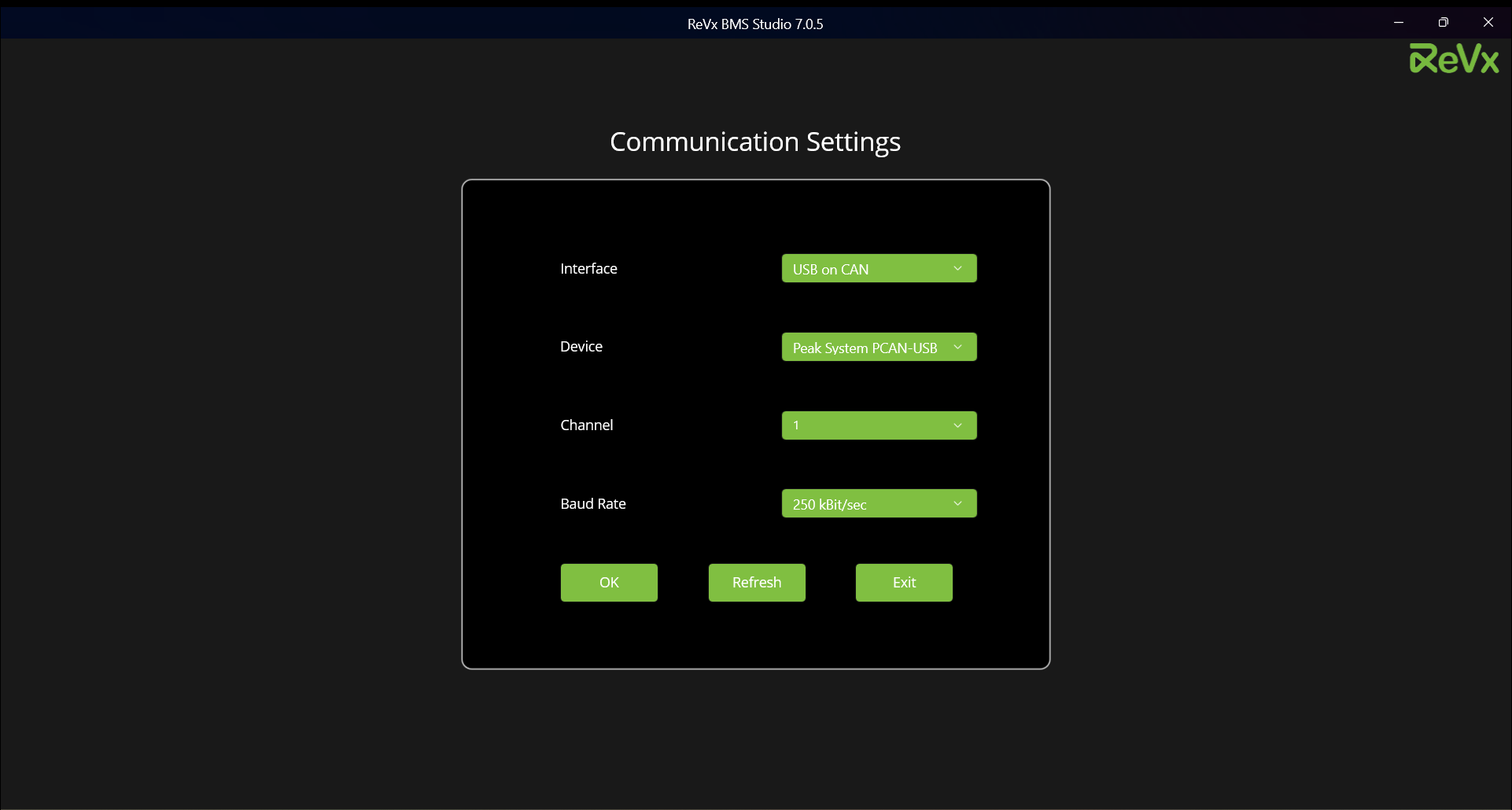
Provide correct communication settings to avoid errors while scanning or configuring.
3.3. Live View Page
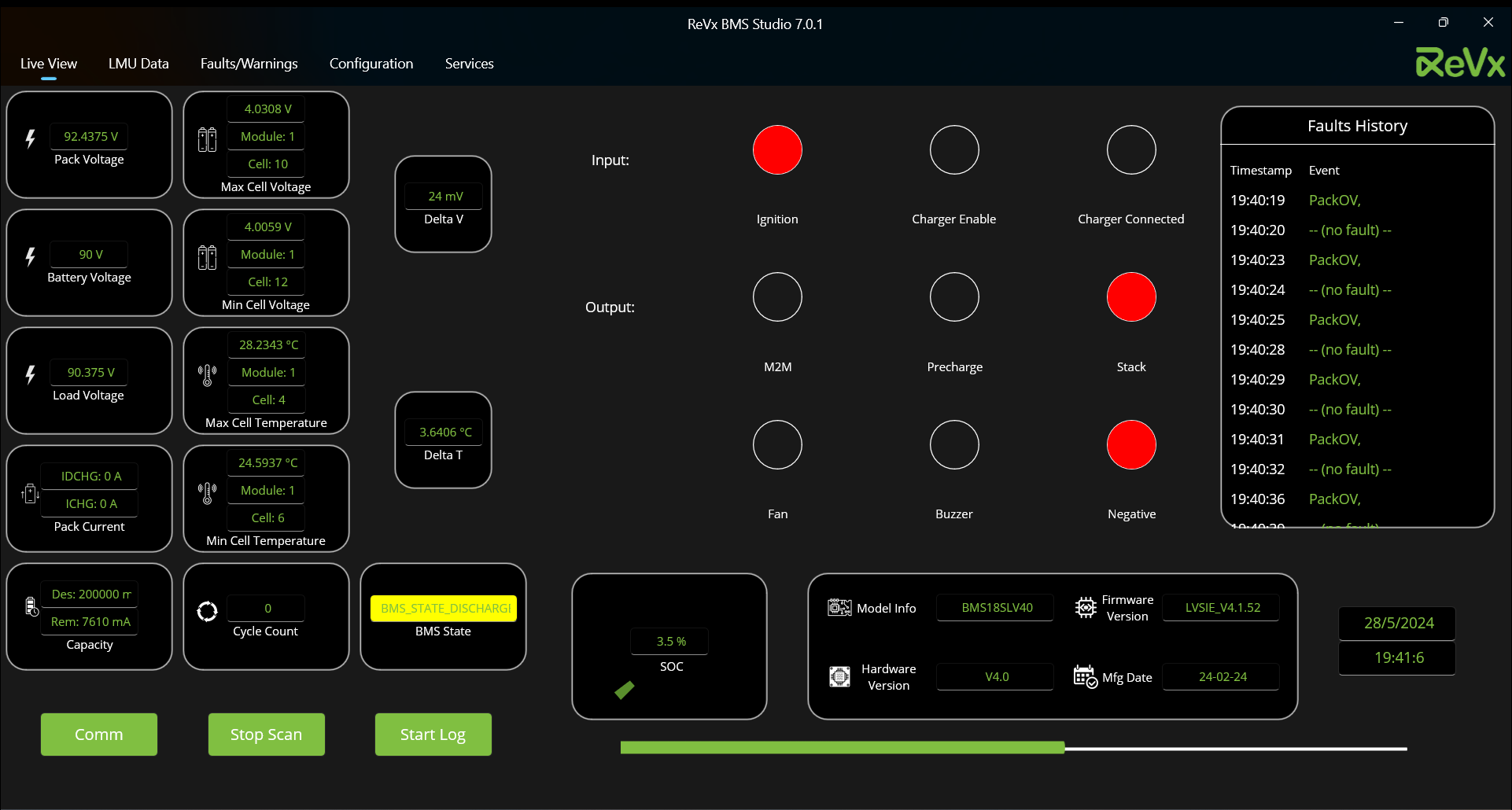
Monitor live data on this page.
3.4. LMU Data Page
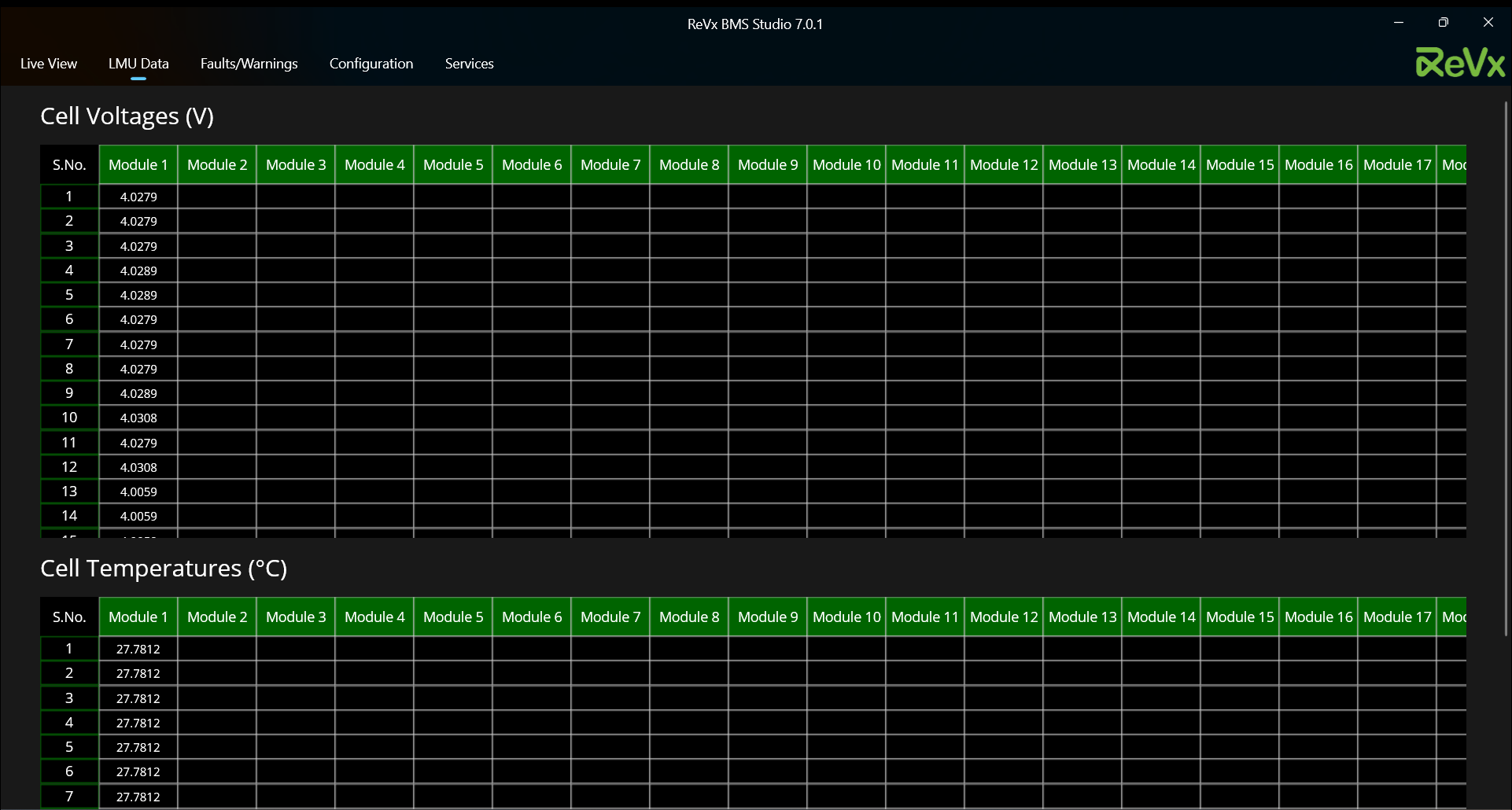
Monitor live LMU data on this page.
3.5. Faults/Warnings Page
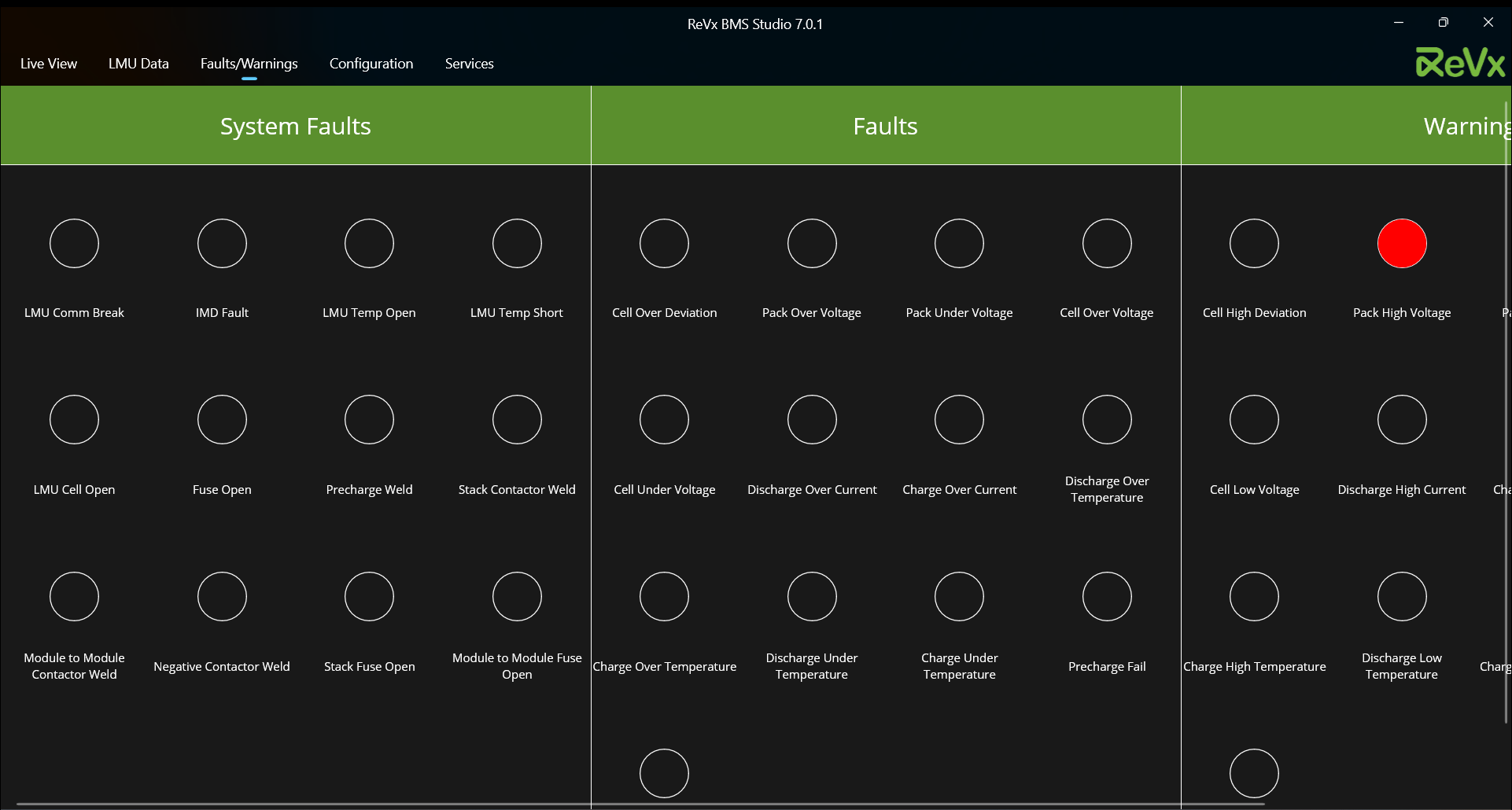
View live faults and warnings on this page.
3.6. Configuration Page
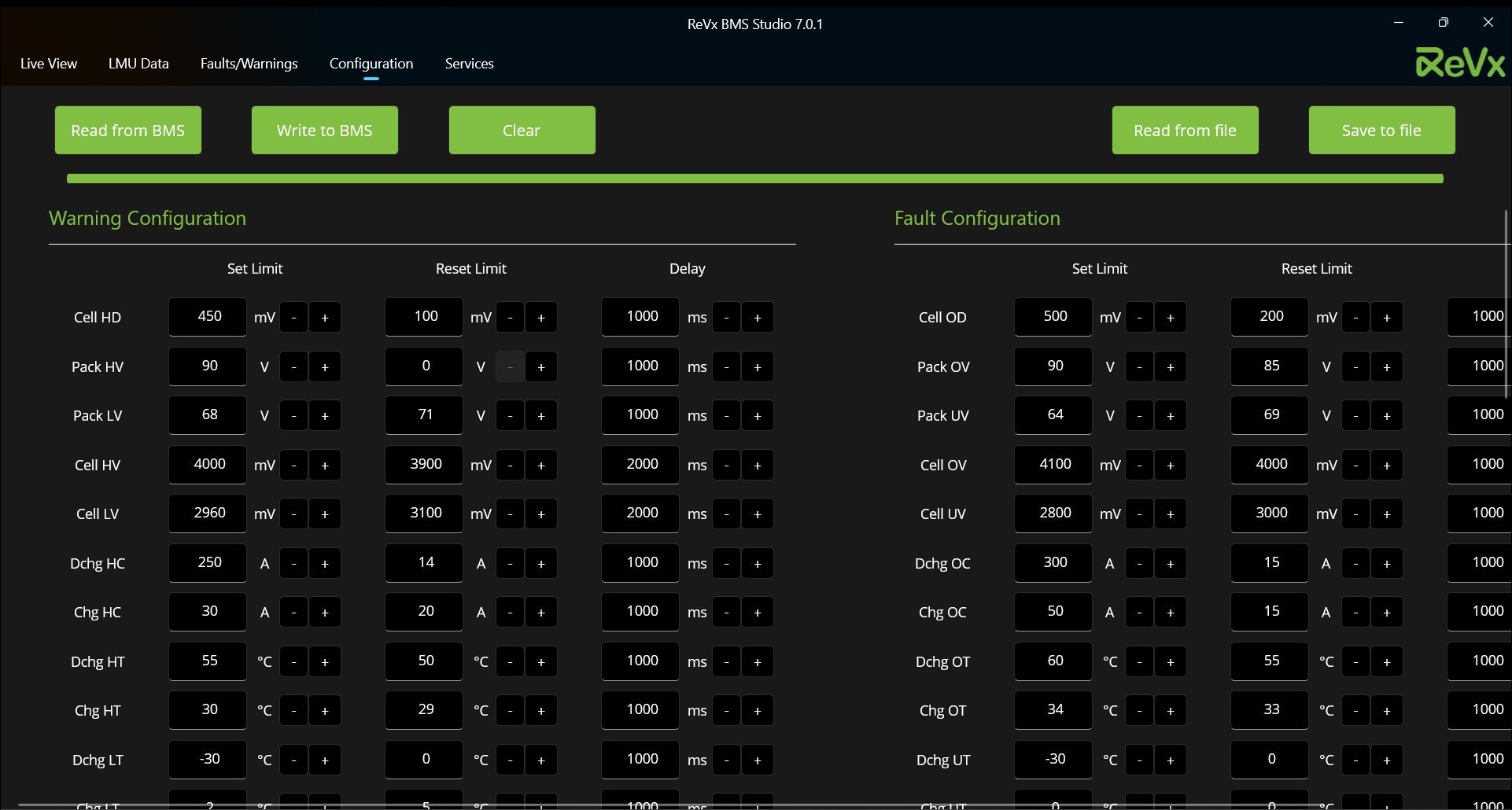
Configure various BMS settings from this page.
3.7. Services Page
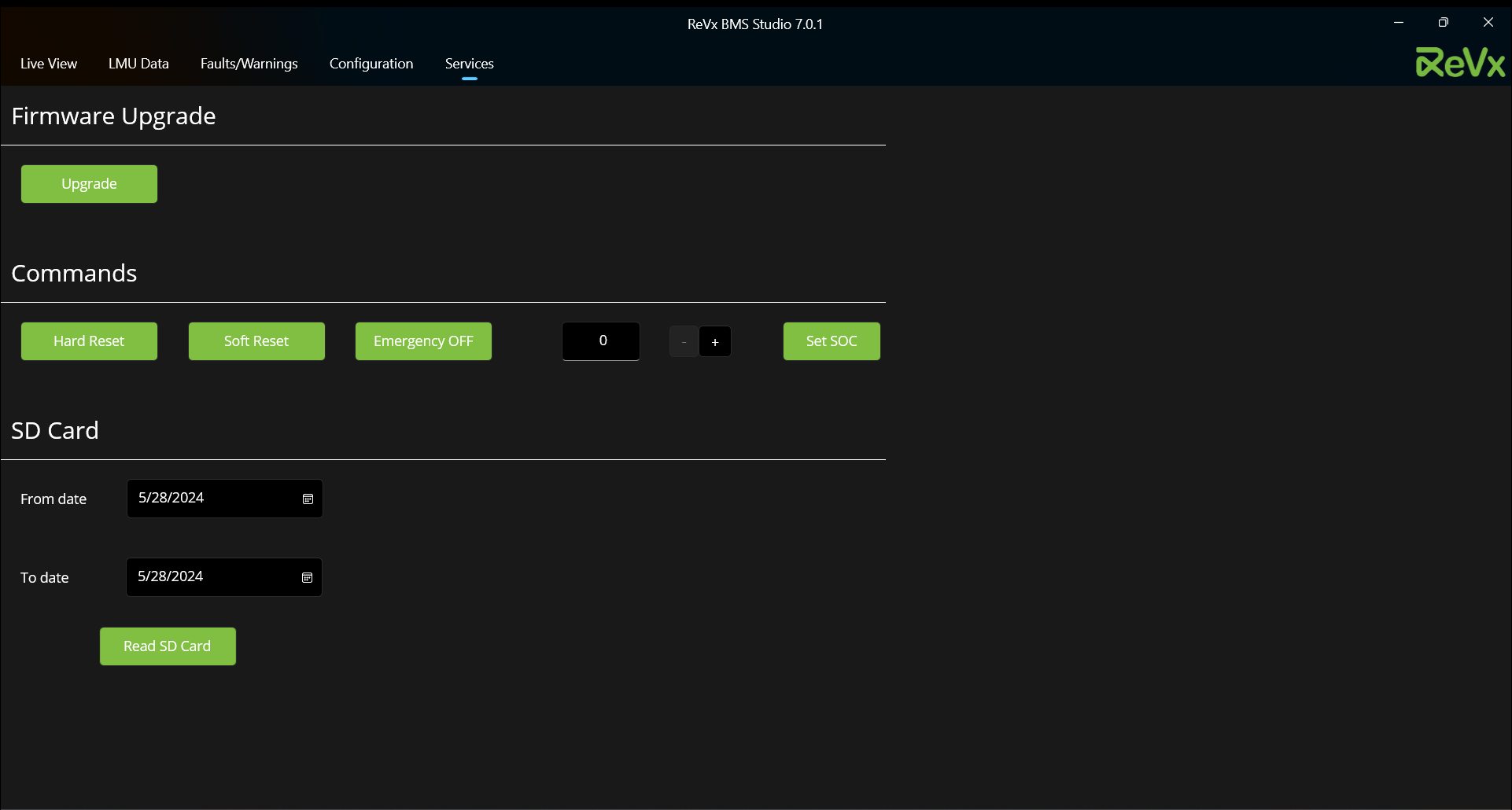
Upgrade firmware, set SOC, do hard reset and more from this page.