5. Communication Settings
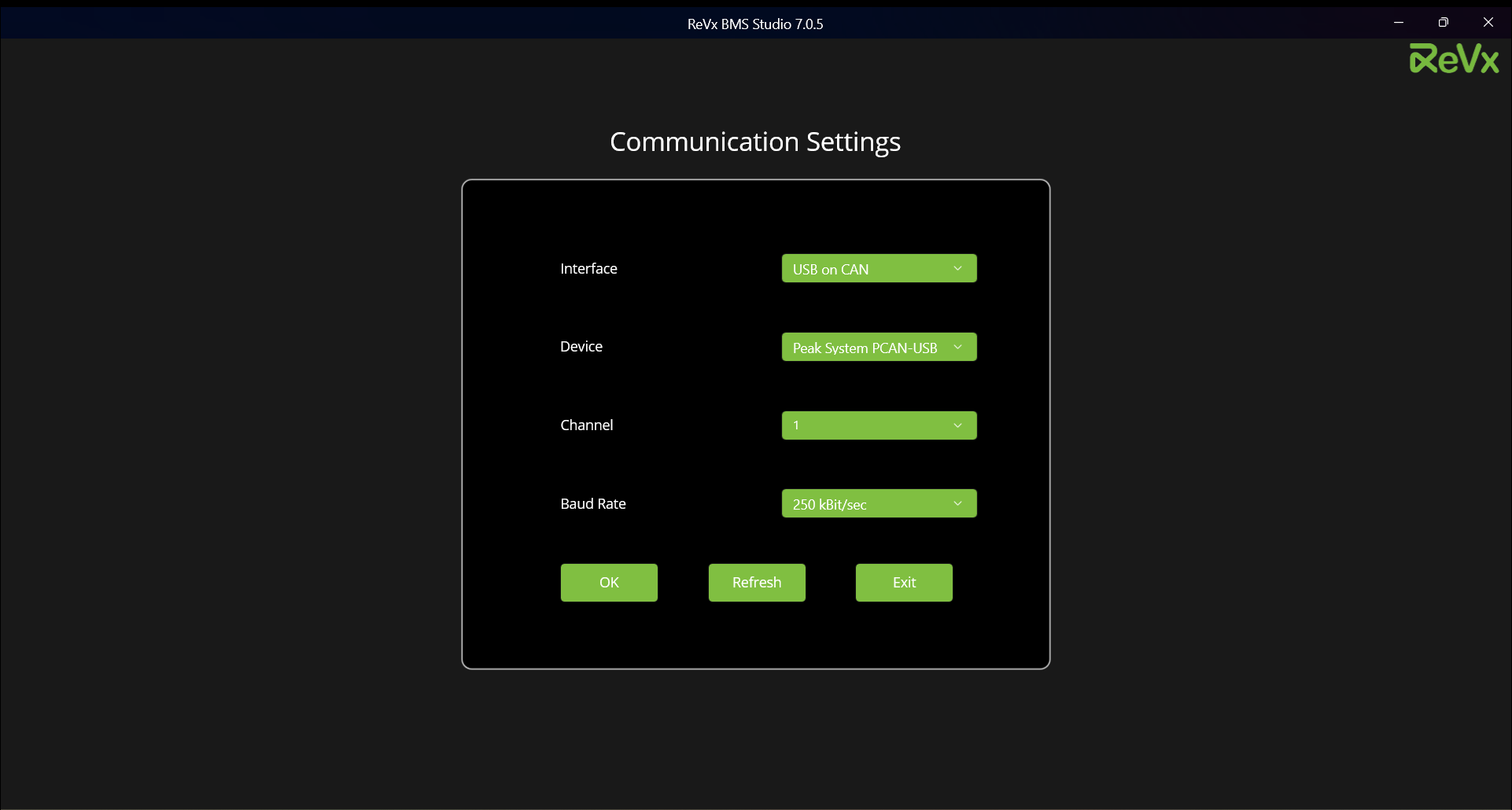
Guide to select correct communication settings for BMS:-
5.1. Interface
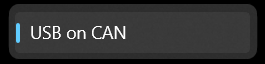
Interface only has one option which is selected by default, i.e USB on CAN.
5.2. Device
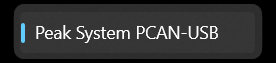
Device only has one option which is selected by default, i.e Peak System PCAN-USB.
5.3. Channel
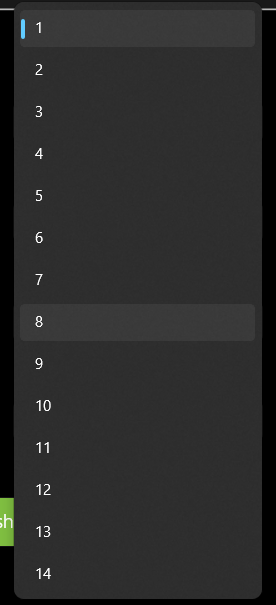
Default channel is 1. However, it is possible to select upto channel 15.
[ Note that channel validation happens when you press "OK" and the app will tell you which channel is the valid channel to use if the channel selected by you is not the correct one. ]
5.4. Baud Rate
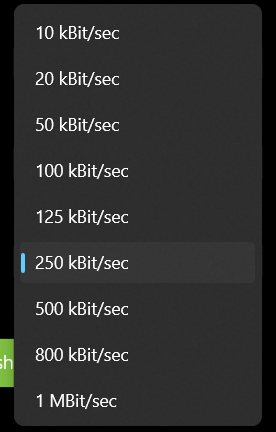
After the communication settings have been set, you can click "OK" and move to the Live View screen for viewing live data.
[ Note that if the app finds any fault in communication during scanning live data or any other can operation, it will tell you to come back and check communication settings. Such errors are usually related to baud rate setting. ]